No-Code Agent Builder
Go from idea to deployed AI agent in five steps. No code required. Choose a model, attach connectors, and deploy to the global edge network.
Five steps to a production agent
Name and persona
Give your agent a name, avatar, and system prompt. Define its personality and domain expertise in plain English.
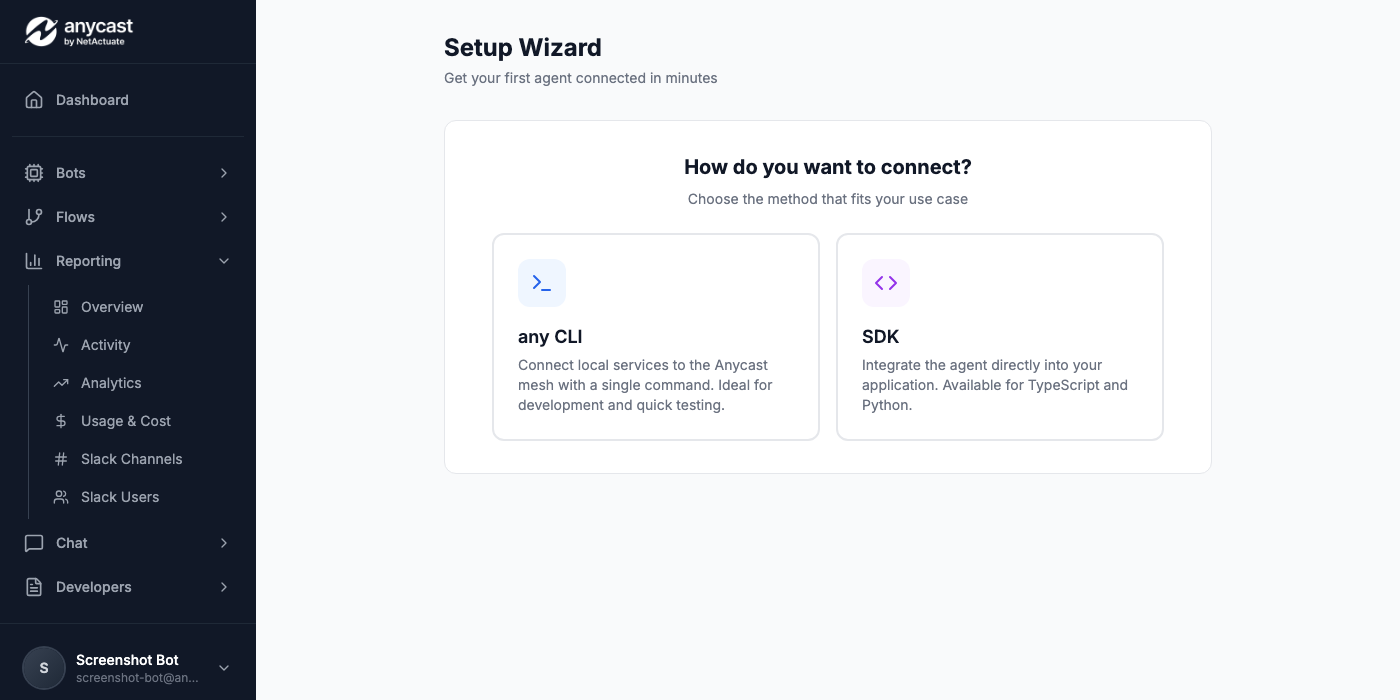
Choose a model
Select from Claude, GPT-4o, Gemini, Mistral, or bring your own API key. Set temperature, token limits, and fallback chains.
Attach connectors
Pick from 20+ connectors: databases, messaging, observability, dev tools, and infrastructure. Each connector gets scope-limited permissions.
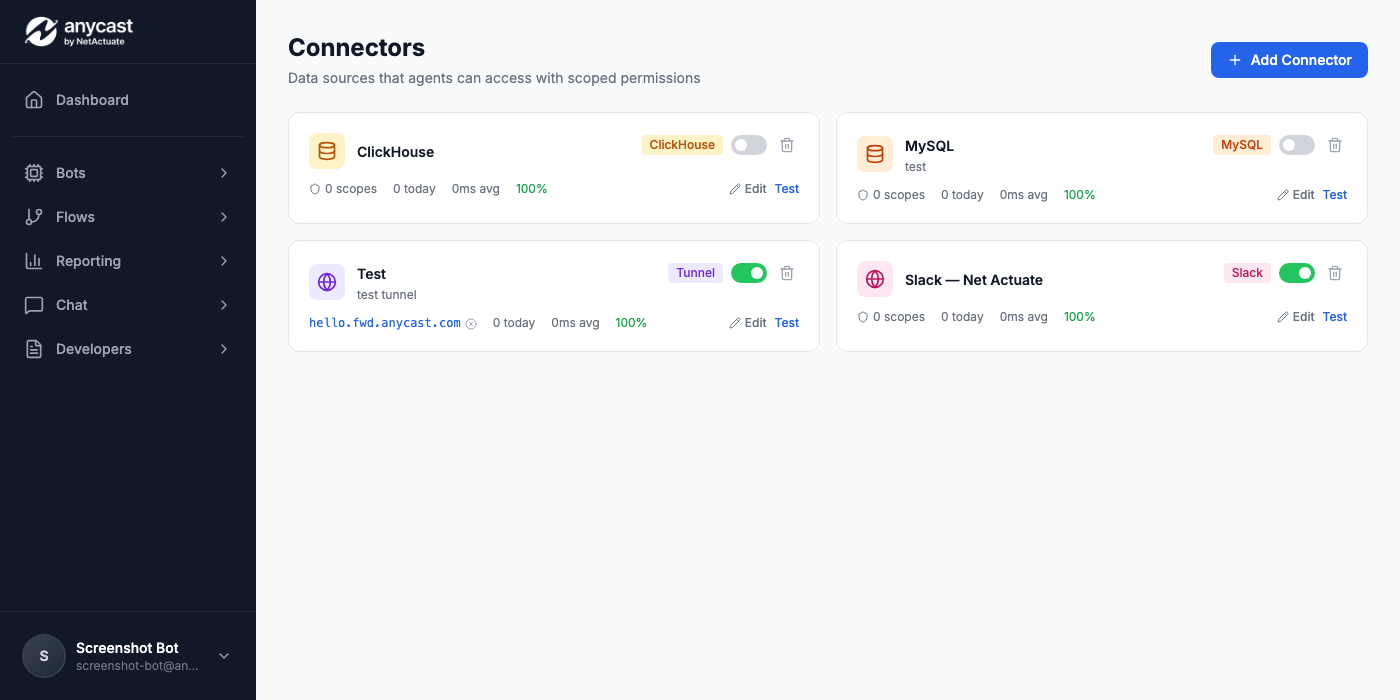
Configure workflows
Optionally attach trigger-based workflows. Set up cron jobs, webhook listeners, or event-driven automations that your agent can execute.
Deploy
One click deploys your agent to the global edge network. Get a public endpoint, API key, and connection instructions instantly.
What gets generated
Every agent is backed by declarative config files you can version control, edit by hand, or regenerate from the UI at any time.
agent.yamlAgent configuration: model, persona, temperature, limitsconnectors.yamlConnector bindings with scoped permissionsworkflows/Workflow definitions (if configured).env.exampleRequired environment variables for local developmentREADME.mdSetup instructions and API referenceOne-click deploy
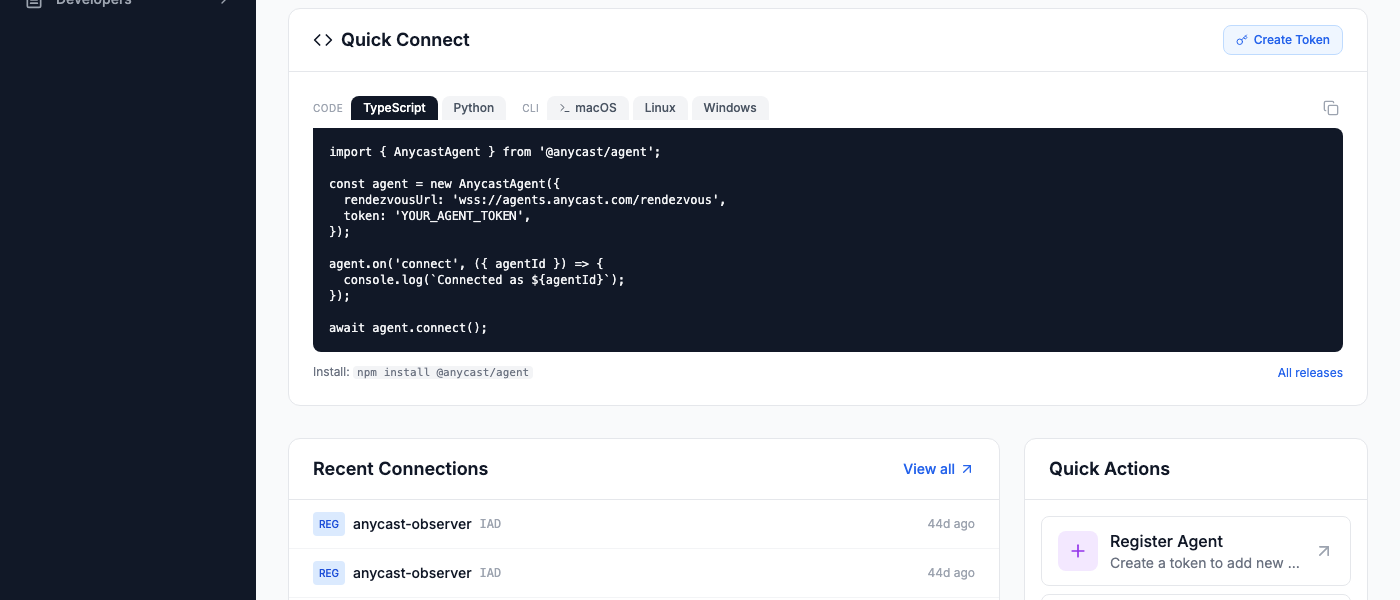
Deploy from the UI or use the CLI. Your agent is live on the global anycast network in seconds.
Deployed to 3 edge PoPs. Endpoint: https://my-agent.agents.anycast.com
Featured Templates
View all →BGP & Anycast Monitor
Monitors BGP routing health, anycast propagation, and prefix visibility using RIPE data.
by Anycast
Infrastructure Monitor
Monitors your Kubernetes clusters and queries logs from Loki. Get instant answers about pod status and errors.
by Anycast
Knowledge Base Bot
Searches your Confluence and Jira to answer team questions instantly, with source links.
by Anycast
Operations Bot
An AI operations assistant that monitors your Anycast platform — agents, clusters, events, and health scores.
by Anycast
OpenClaw
Self-hosted AI assistant connected to the Anycast agent network. Cross-environment connectors, shared memory sync, and 40+ PoP relay coverage.
by OpenClaw
Network Operations Bot
AI-powered network operations assistant with access to device health, port traffic, BGP sessions, and real-time alerts from LibreNMS.
by Anycast
Build your first agent in five minutes
20 agents, unlimited connectors, 10,000 events/mo. No credit card required.
Get Started Free