Reporting & Analytics
See exactly how your agents are performing, what they cost, and who is using them. Every session, every token, every dollar — tracked and exportable.
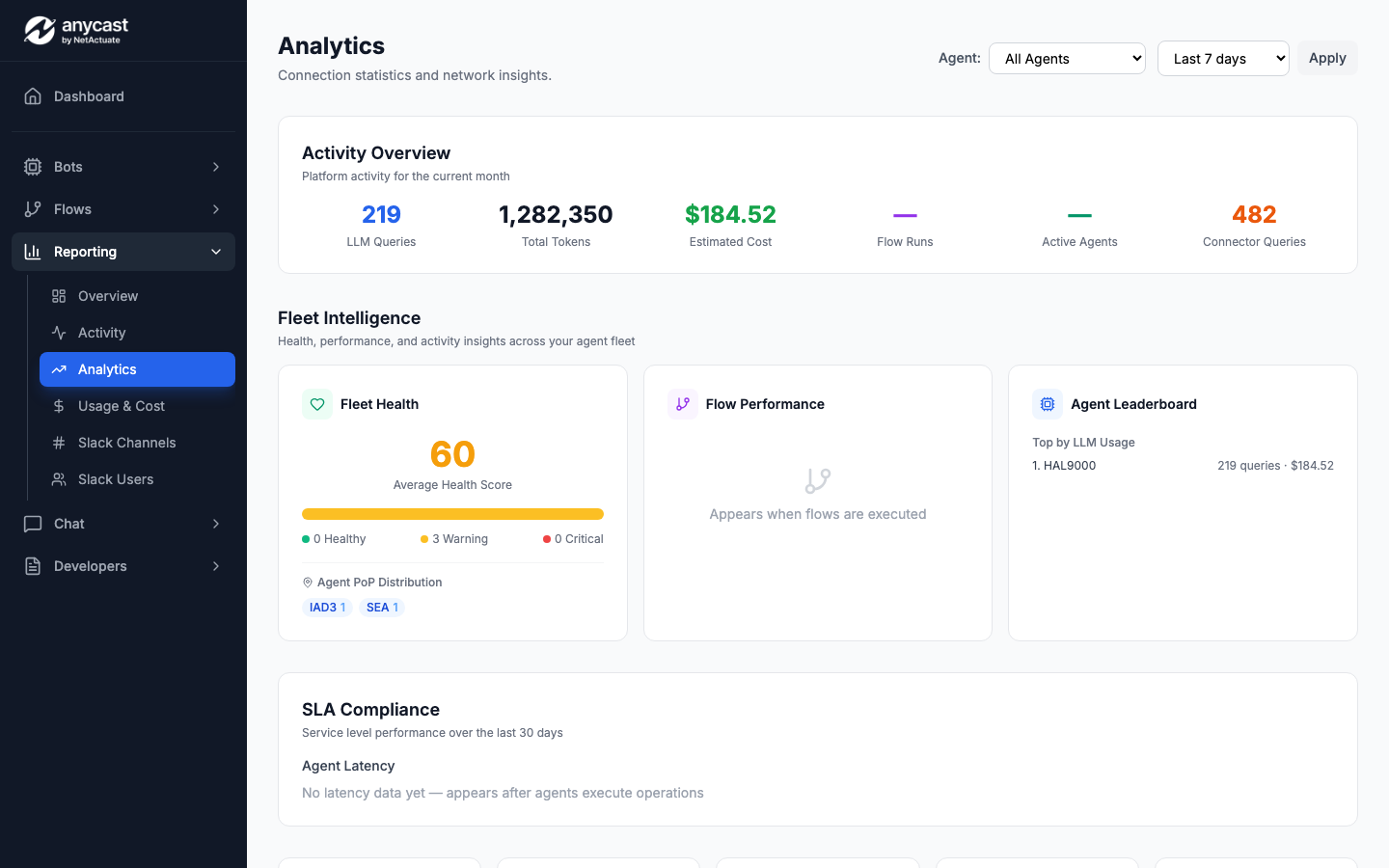
Fleet Overview
A single table showing every agent in your organisation with live health and utilisation data.
- ✓Health score per agent (0-100) updated every 60 s
- ✓Status badges: Online, Degraded, Offline
- ✓Session count and active-user sparkline (7 d)
- ✓Per-agent cost-to-date this billing period
- ✓Sort by health, cost, sessions, or name
- ✓Click any row to open the per-agent report
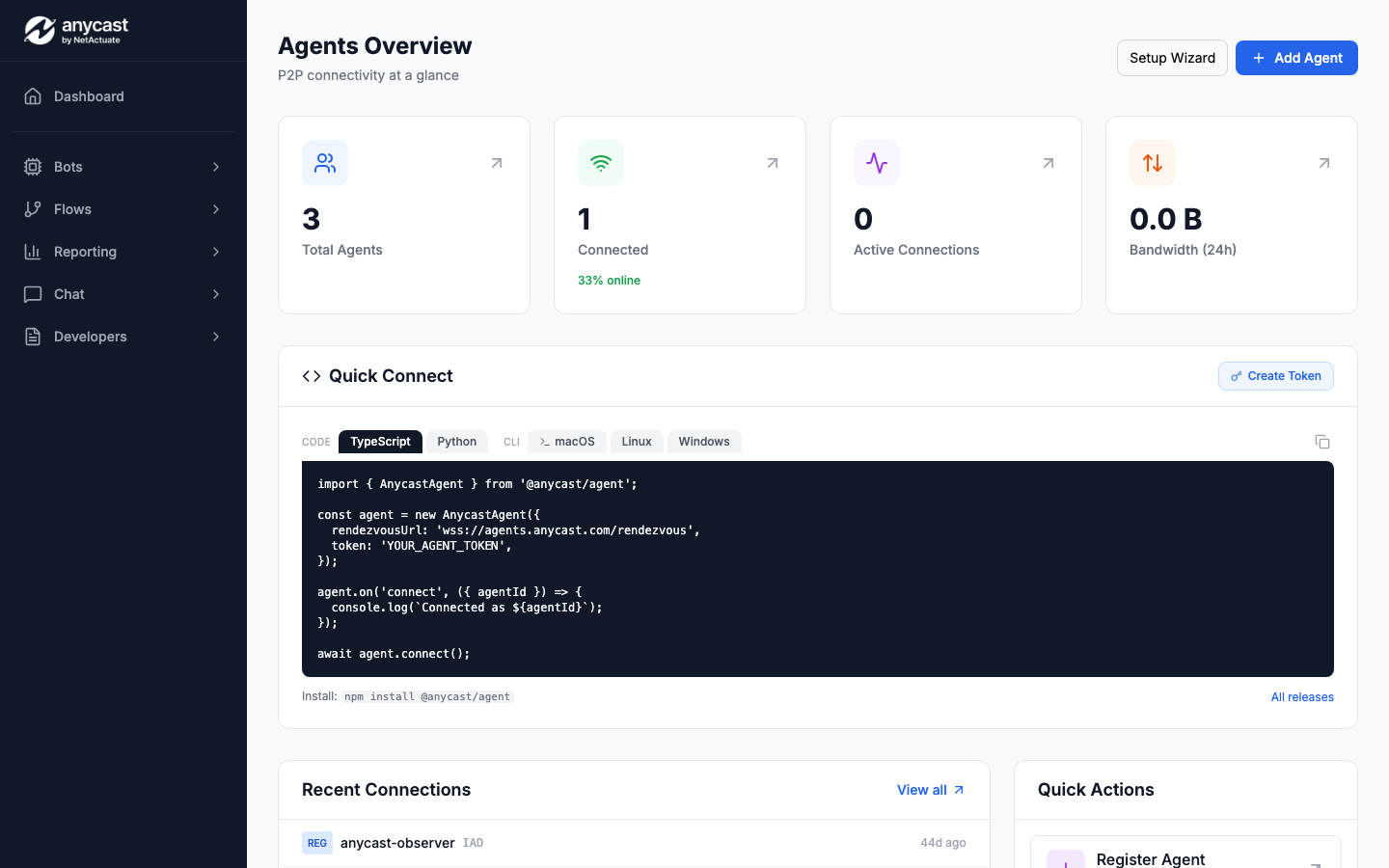
Per-Agent Report
Drill into any single agent to see a 30-day trend of cost, sessions, and the users who rely on it most.
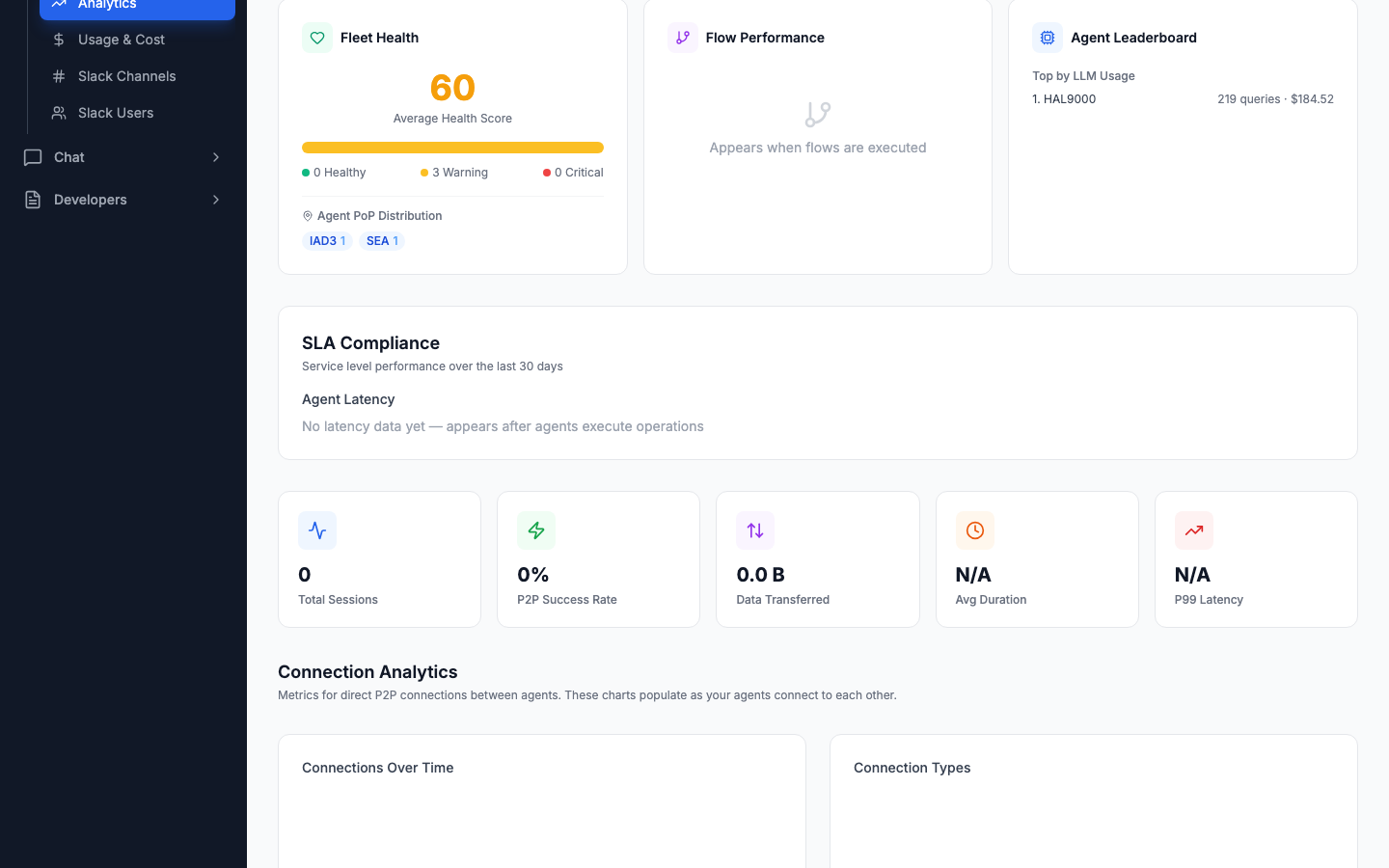
- ✓30-day cost trend line with daily granularity
- ✓Top 5 users ranked by session count (gold / silver / bronze)
- ✓Average tokens per session and p95 latency
- ✓Model mix breakdown (GPT-4o, Claude, etc.)
- ✓Error rate and retry count over time
- ✓One-click export to CSV or JSON
Session Drill-Down
Open any session to see the full event timeline — every tool call, every token, every model switch.
- ✓Chronological event timeline with timestamps
- ✓Tool-call entries showing name, duration, and status
- ✓Token breakdown: prompt vs completion vs cached
- ✓Cost per message computed from model pricing
- ✓Metadata: user, channel, agent version, PoP
- ✓Replay-safe — view without side effects
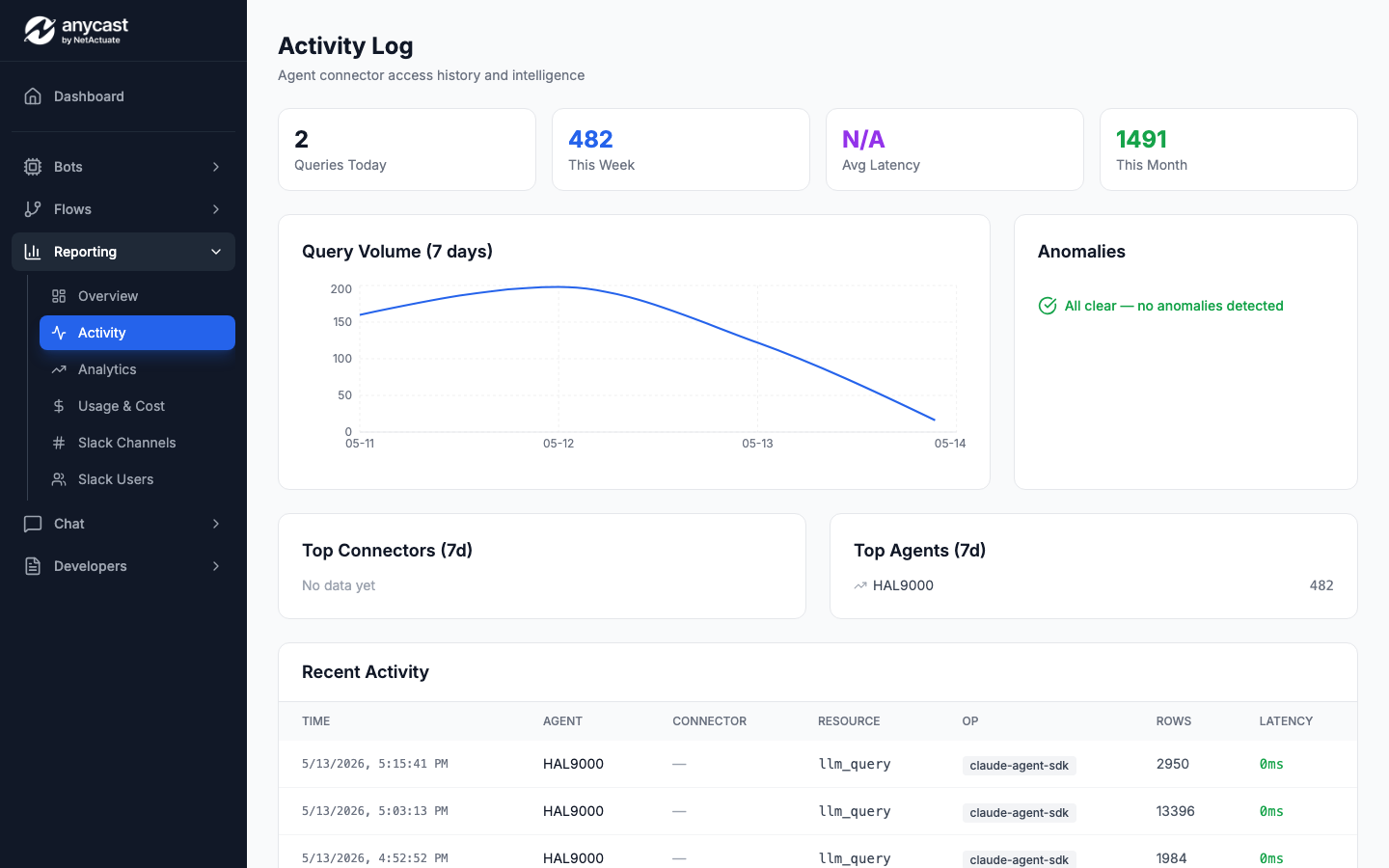
Slack Channel Analytics
See which Slack channels drive the most agent activity — and what that activity costs.
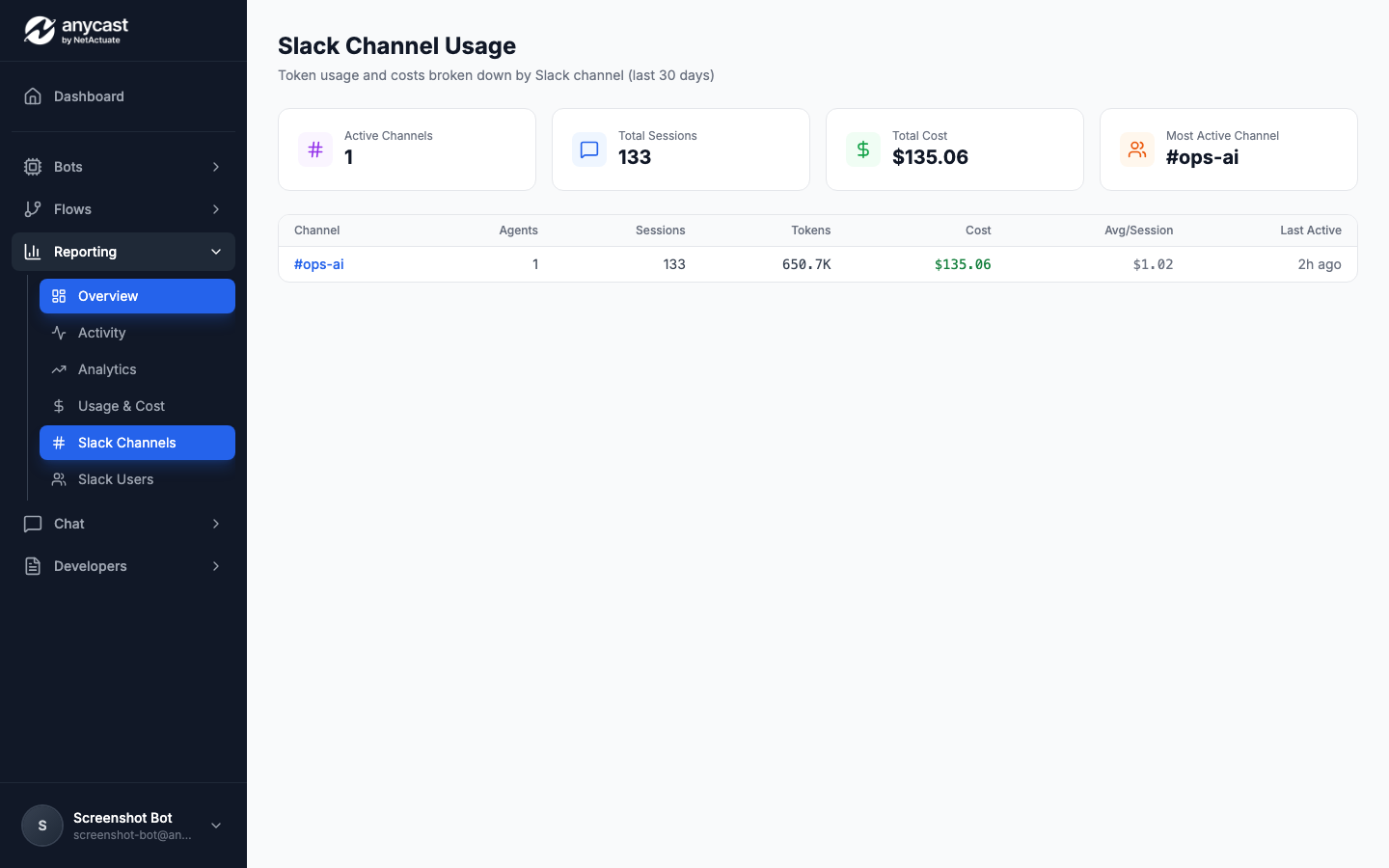
- ✓Per-channel session count and total cost
- ✓Top channels ranked by spend or volume
- ✓User breakdown within each channel
- ✓Peak-hour heatmap (UTC and local timezone)
- ✓Filter by date range or agent
- ✓Exportable for internal charge-back
Token & Cost Reporting
Understand exactly where your LLM budget goes — broken down by model, agent, user, and time period.
- ✓Token totals: prompt, completion, cached, total
- ✓Cost by model with per-token pricing applied
- ✓Daily and monthly roll-ups with trend arrows
- ✓Budget alerts when spend exceeds threshold
- ✓Compare periods: this week vs last week
- ✓Org-wide or filtered to a single team / agent
Usage page — token breakdown and cost by model
Replace with actual screenshot
Connector Usage Analytics
Track how agents use third-party connectors — which APIs are called, how often, and at what error rate.
- ✓Call count per connector per day
- ✓Error rate and average latency per endpoint
- ✓Scope-usage report: which scopes are actually exercised
- ✓Unused connectors highlighted for cleanup
- ✓Rate-limit headroom: how close to provider quotas
Connection Analytics
Monitor peer-to-peer connections between agents — latency, throughput, and connection stability.
- ✓Active connections with real-time latency
- ✓Connection duration and data transferred
- ✓Relay vs direct tunnel success rate
- ✓Geographic connection map (source PoP to dest PoP)
- ✓Failed connection attempts with error reasons
SLA & Anomaly Detection
Set uptime and latency targets per agent. Get alerted when performance drifts outside normal bounds.
- ✓Per-agent SLA targets: uptime %, p95 latency, error rate
- ✓Rolling compliance score with breach history
- ✓Anomaly detection on token usage and cost spikes
- ✓Email and Slack alerts on SLA violation
- ✓Weekly SLA summary report auto-sent to stakeholders
Export & Integration
Get your data out of Anycast and into the tools you already use.
- ✓CSV and JSON export on every table and chart
- ✓Scheduled email reports (daily, weekly, monthly)
- ✓Webhook delivery of usage events for custom pipelines
- ✓Prometheus metrics endpoint for Grafana dashboards
- ✓REST API access to all analytics data
See exactly what your agents are doing.
Full visibility into every session, every token, and every dollar. Start tracking for free.
Get Started Free