Flexible Connectors
Connect your agents to databases, messaging platforms, observability stacks, developer tools, and infrastructure. Agent-side connectors keep credentials in your network. Portal-side connectors are fully managed.
Databases
agent-sidePostgreSQL
Query and write to PostgreSQL databases with full SQL support.
MySQL
Connect to MySQL and MariaDB instances for reads and writes.
MongoDB
Query, insert, and aggregate documents in MongoDB collections.
ClickHouse
Run analytical queries against ClickHouse for real-time metrics.
Redis
Get, set, and query Redis keys and data structures.
Messaging
portal-sideSlack
Send messages, respond to commands, and react to channel events.
Discord
Post messages and respond to interactions in Discord servers.
Observability
portal-sideGrafana
Query dashboards, annotations, and alert rules via the Grafana API.
Loki
Search and stream log entries from Grafana Loki.
PagerDuty
Create, acknowledge, and resolve incidents programmatically.
LibreNMS
Query device status, alerts, and network metrics from LibreNMS.
Developer Tools
portal-sideGitHub
Create issues, comment on PRs, query repositories and workflows.
Jira
Create and update issues, search with JQL, manage sprints.
Confluence
Search, read, and create pages in Confluence spaces.
HTTP API
Call any REST or GraphQL API with configurable auth and headers.
Network
portal-sideMaxMind GeoIP
Resolve IP addresses to geographic location and ASN data.
RIPE Live
Query BGP routing data and network information from RIPE.
Infrastructure
agent-sideKubernetes
List pods, read logs, apply manifests, and manage workloads.
MCP Server
Connect to any MCP-compatible tool server for extended capabilities.
Connectivity
portal-sideAnycast Connect
Expose local services via public HTTPS on the global anycast network.
Configure in seconds
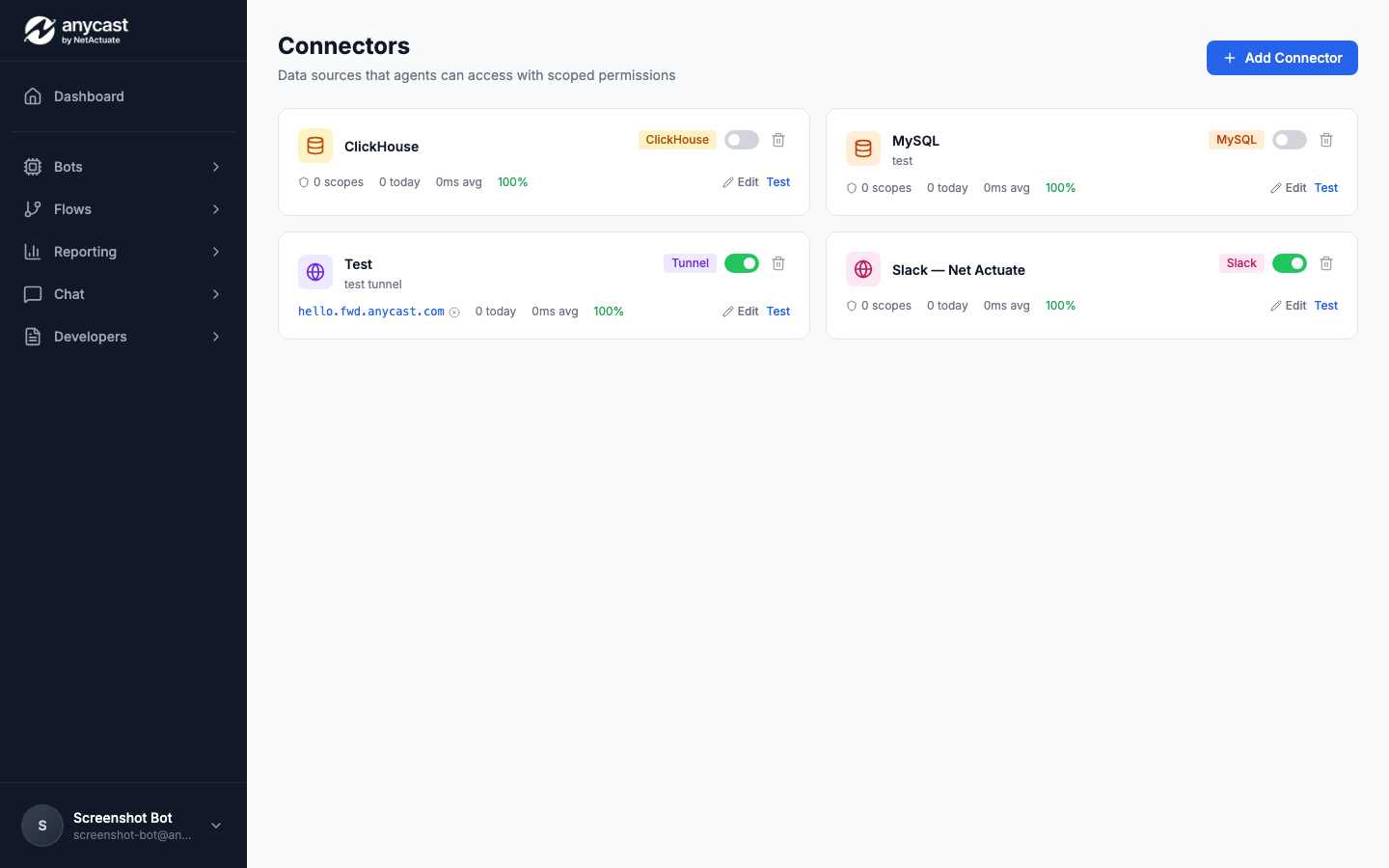
Build your own connector
The connector SDK lets you build custom connectors that integrate with the platform permission system, analytics, and UI. Publish to your team or the marketplace.
Define your schema
Declare connection parameters, scopes, and actions in a YAML manifest.
Implement handlers
Write TypeScript or Python handlers for each action. The SDK handles auth and retries.
Publish
Push to the connector registry. Your connector appears in the builder instantly.
$ npm publish